


The community ingress-nginx controller reached end of life in March 2026. This means there are no upcoming bug fixes, which can create security vulnerabilities.
So, instead of waiting for something to break and having to choose quickly under pressure, now is the best time to evaluate your options. That way, you can check if it’s compatible with your system and run a pilot.
But choosing an ingress-nginx alternative is more complicated than it seems, especially since basic feature comparisons won’t cut it.
Your new controller may need different settings to check who can access an application, manage security certificates, or apply custom NGINX rules. If you also move to Gateway API, you may need to update how you deploy applications and decide which team controls their traffic rules when several teams share a cluster.
So, the best alternative depends on your current situation. That’s why the best examples of successful migrations from Kubernetes Ingress always come from companies that first take stock of the features and applications they rely on today, then check which alternatives support them and what the team would need to change.
We took this approach when we migrated an AWS customer from ingress-nginx to Envoy Gateway. Our engineers:
- Reviewed the existing setup to identify what the new controller needed to support.
- Tested those requirements and practiced the switch on Pelotech’s own infrastructure.
- Ran both systems side by side during the migration and repeatedly checked that requests succeeded as traffic moved to the new gateway.
These checks recorded no failed requests during the final switch. Since then, we’ve used the same approach for multiple other migrations.
This guide draws on that experience to compare Kubernetes Ingress alternatives by migration effort, risk, and long-term fit. We’ll cover what each option suits, what switching involves, and what your team will need to manage afterward.
Kubernetes Ingress Alternatives Compared
The options below support different migration paths. Some let you keep using Ingress resources, while others involve moving your routing configuration to Gateway API. Your existing settings and tools will determine how much work each path requires.
1. Traefik
Best fit: Teams that want to preserve as much of their existing Ingress configuration as possible and consider Gateway API separately.
.webp)
Traefik Proxy is an open-source reverse proxy and load balancer that directs incoming requests to the right application and distributes traffic across its running instances.
Developed by Traefik Labs, it’s built for environments such as Kubernetes and Docker. It detects service changes and updates routing automatically, and can serve as an Ingress controller or a Gateway API implementation. This gives teams flexibility in how they configure application traffic.
Traefik is worth considering if you want to replace ingress-nginx while keeping much of your existing Ingress configuration. Its NGINX compatibility provider reads Kubernetes Ingress resources and supports many NGINX annotations. That can reduce the amount of configuration your team needs to rewrite.
How much carries over depends on the settings you use. Custom NGINX snippets have limited support, and some supported annotations behave differently. For example, Traefik’s request-rate limits return a different default error code when a client exceeds the limit. Check your configuration against the annotation reference, including its limitations, to identify what to change or test.
You also need to review settings applied across the old controller through its ConfigMap. Keeping your application’s Ingress resources does not automatically preserve those defaults.
Traefik also supports Gateway API, giving you room to adopt it later. This makes Traefik a useful option if you wish to replace the retired Ingress controller, but plan broader configuration changes separately.
2. Envoy Gateway
Best fit: Teams ready to adopt Gateway API during the migration, including those with requirements such as client-certificate authentication and request buffering.
Envoy Gateway is an open-source Kubernetes gateway that uses Envoy Proxy to direct incoming traffic to your applications. Your team defines routing and security rules through Gateway API and Envoy Gateway’s own policies, and it configures the proxies to apply them. It also manages those proxy instances, so you don't need to configure each one directly.
Choosing Envoy Gateway means changing how you configure application traffic. Your existing Ingress resources cannot carry over unchanged because Envoy Gateway uses Gateway API resources instead. This can make it a larger project than choosing a controller that supports your existing Ingress configuration, especially if your deployment tools depend heavily on it.
The amount of work depends on your NGINX settings. Basic routes may translate readily, while custom authentication, request limits, and other annotation-based behaviour need equivalent policies. Conversion tools can reduce manual rewriting, but they can't guarantee applications will behave the same afterward, so you must test.
That investment can be worthwhile when Envoy Gateway meets specific application requirements.
3. HAProxy Kubernetes Ingress Controller
Best fit: Teams that want to retain Ingress-based deployments, particularly those already familiar with HAProxy.
HAProxy Kubernetes Ingress Controller is a controller from HAProxy Technologies that uses the HAProxy load balancer to direct traffic to Kubernetes applications. It reads Ingress rules and automatically updates its configuration as application pods change. It supports both HTTP and TCP traffic.
Migrating to HAProxy lets you keep your existing Ingress resource model, which can reduce changes to deployment tools built around it. However, you still need to translate NGINX-specific settings, such as annotations controlling redirects, authentication, and request limits.
On the bright side, HAProxy offers controls for load balancing, health checks, connection limits, and timeouts. These make it worth considering when your team needs to tune how traffic reaches application pods. You can add custom configuration, but it increases the HAProxy-specific knowledge your team needs to troubleshoot and maintain the system.
However, if Gateway API is part of your immediate plans, evaluate HAProxy Unified Gateway separately. HAProxy now directs Gateway API users toward that product, which supports both Ingress and Gateway API.
4. F5 NGINX Ingress Controller
Best fit: Teams that want to continue using NGINX and Ingress, with the option of commercial features and support.
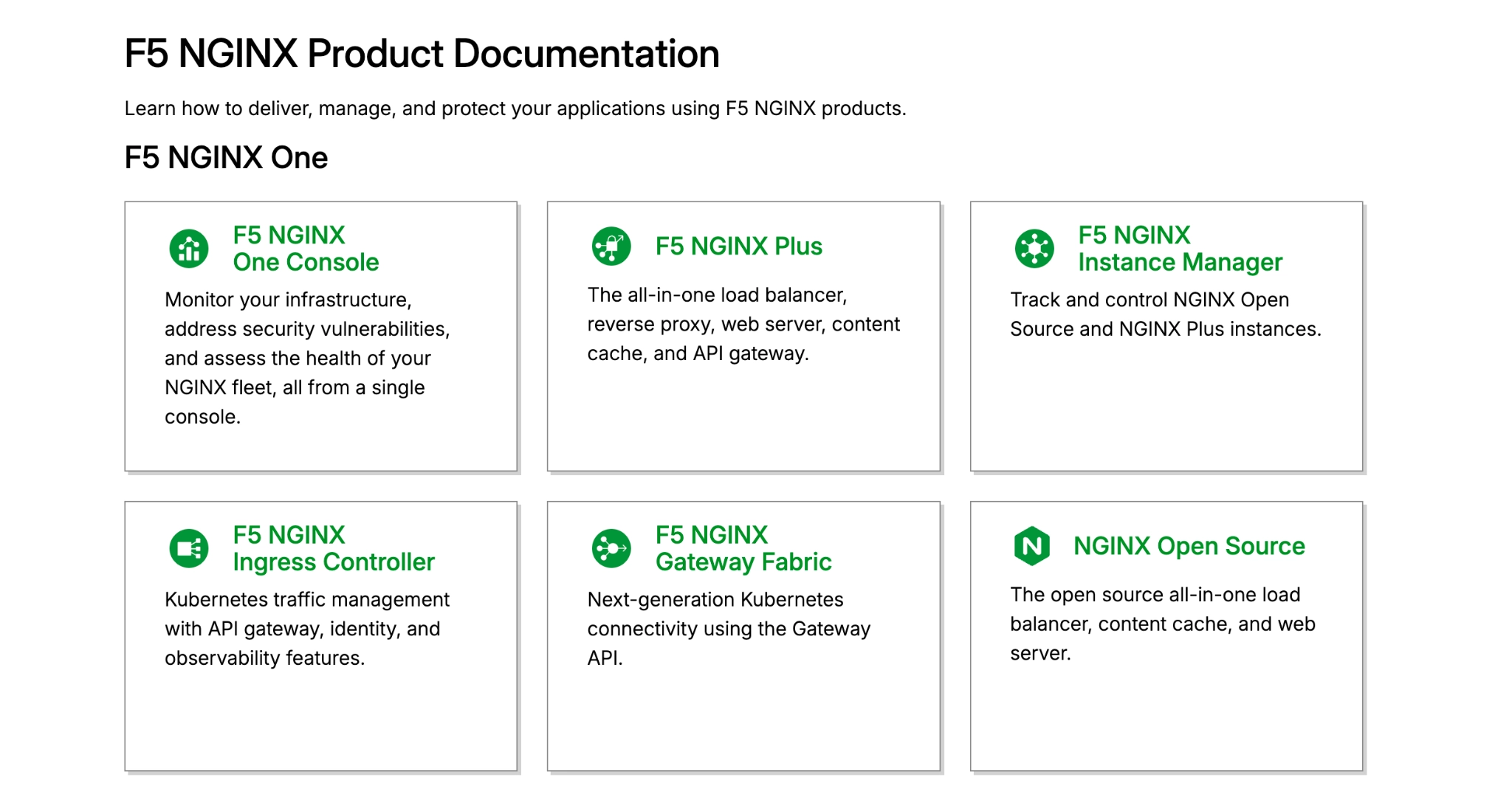
F5 NGINX Ingress Controller uses NGINX Open Source or the commercial NGINX Plus to route traffic to Kubernetes applications. Although it sounds similar, it is a separate project from the retired community ingress-nginx controller. It supports standard Ingress resources, along with its own configuration options for more complex traffic rules.
The main advantage of migrating is familiarity, as engineers can keep applying their NGINX knowledge. However, choosing F5 does not mean your existing configuration will work unchanged.
Because the controllers interpret different annotations and generate configuration differently, your team will still need to review and translate settings for authentication, URL rewrites, and custom NGINX snippets. And the complexity of the setup process increases with the level of customization you require.
If you operate complex applications with complicated setups, F5 offers resources such as VirtualServer and VirtualServerRoute. These let teams define behaviour such as sending a small share of requests to a new application version in a structured configuration. They provide more control than standard Ingress alone, but introduce F5-specific resources your engineers will need to learn and maintain.
Feature availability also affects cost. The controller works with NGINX Open Source, while NGINX Plus adds capabilities such as active health checks, built-in JWT validation, and additional session-persistence methods. If your applications depend on these features, the commercial option is better suited.
Migrating to F5 NGINX Ingress Controller preserves your investment in NGINX while introducing a different controller and configuration model. However, if you prefer the Gateway API, F5’s separate NGINX Gateway Fabric would be a better option to include in your shortlist.
5. Kong
Best fit: Teams that need API access controls alongside routing, particularly those already using Kong.

Kong is an API gateway that routes requests to applications and applies controls such as authentication and rate limiting. In Kubernetes, Kong Ingress Controller translates Ingress or Gateway API resources into configuration for Kong Gateway, which handles the traffic.
Kong’s main appeal is its plugin system. Teams can apply authentication, request limits, and response caching at the gateway instead of implementing them separately in every application. This makes it worth considering when replacing ingress-nginx, as it's also an opportunity to bring API controls into one place.
You can keep the Ingress API when moving to Kong, so you don't have to adopt Gateway API during the same migration. However, NGINX-specific annotations and snippets need equivalent Kong configuration. For example, a request limit can become a KongPlugin resource attached to a route or service.
Essentially, the more customized the tasks your current controller handles, the more configuration and testing the migration will require.
The plugins you need also influence cost. Key authentication, JWT validation, and basic rate limiting are available without the Enterprise-only offering, while Kong’s OpenID Connect and Rate Limiting Advanced plugins require Enterprise licensing.
Kong is therefore a better option when your team needs a shared system for managing API access. If you only need hostname and path routing, its broader capabilities may not justify the plugin configuration and maintenance they introduce.
6. Cilium Gateway API
Best fit: Teams already using Cilium, or planning to adopt it for broader networking needs, that also want Gateway API.
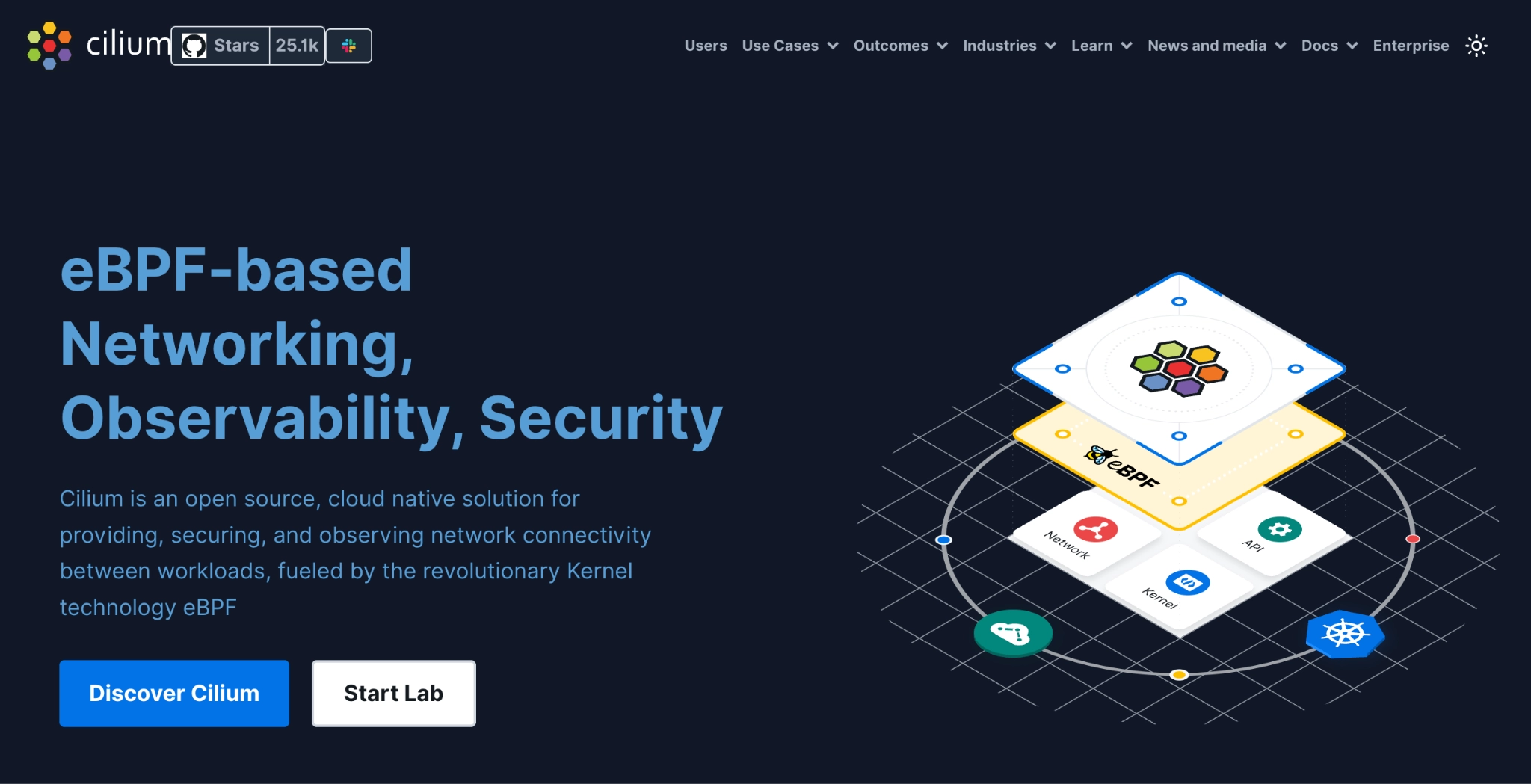
Cilium is an open-source platform for Kubernetes networking and security. Its Gateway API implementation adds application routing to that platform, using Envoy Proxy to handle HTTP and HTTPS traffic.
Your existing networking setup largely determines the appeal. If Cilium already runs your cluster network, its gateway capabilities extend a platform your engineers know. If you use another networking system, adopting Cilium could turn an ingress replacement into a wider infrastructure project.
The main benefit is the connection between routing and network security. Cilium applies network policies to traffic entering the gateway and traffic passing from it to applications, and its Hubble observability tool shows where policies block requests.
Choosing Cilium Gateway API also requires translating existing Ingress configuration into Gateway API resources. You can go for Cilium’s Ingress controller instead, if you want to remain on the Ingress API.
7. Istio Gateway
Best fit: Teams already using Istio, or planning to adopt it for service-to-service security and traffic management.
Istio Gateway is an open-source service mesh, with an ingress gateway that uses Envoy Proxy to handle traffic entering your applications.
If your team already runs Istio, it can use the existing control plane to configure an ingress gateway. Otherwise, you need to install and maintain two components: the control plane, which turns routing rules into proxy configuration, and the gateway proxies, which receive requests and forward them to applications. You can limit Istio to handling incoming traffic without changing how your applications communicate with each other.
The configuration work depends on the approach you choose.
Istio supports Kubernetes Ingress resources, but this doesn't make NGINX annotations or custom snippets compatible. To adopt Gateway API, you’ll need to replace Ingress rules with resources such as Gateway and HTTPRoute and update the deployment tools that create them. Istio also has its own Gateway and VirtualService resources, separate from Kubernetes Gateway API.
However, Istio’s broader capabilities can justify the migration work if you need to secure both incoming requests and communication between applications.
At the gateway, it can encrypt connections with HTTPS and verify client certificates. Adding your applications to Istio’s service mesh extends security to the connections between them, letting you encrypt that traffic and control which services can communicate.
For the longer-term implications, you must keep two components up to date: the control plane that manages your routing rules and the gateway proxies that handle requests. So, if you’re new to the platform, factor in the time and expertise needed to maintain and troubleshoot both components before deciding.
8. Cloud-provider options for AWS, Azure, and Google Cloud
Best fit: Teams planning to stay with their cloud provider that want fewer traffic-handling components to maintain themselves.
AWS, Azure, and Google Cloud offer managed load balancers that can route requests directly to your Kubernetes applications. With these options, your provider runs and maintains the infrastructure that handles incoming traffic, while you define routing and access rules through Kubernetes.
AWS Load Balancer Controller reads your Kubernetes routing rules and sets up an AWS Application Load Balancer to send requests to the right applications. However, although you can still define the routing rules via Ingress, you’ll still need to replace most NGINX settings with configuration AWS supports.
Additionally, if you install the controller yourself, you’ll need to keep it updated and manage its access to your AWS resources.
If your applications run in Azure Kubernetes Service (AKS), Application Gateway for Containers lets Azure handle incoming requests and forward them to the right application. You define the routing rules using Ingress or Gateway API, and a component called the ALB Controller applies those rules to the Azure service.
Setting it up also involves reserving part of your Azure network for the service and giving the controller permission to create and update its Azure resources.
Google Cloud’s GKE Gateway controller sets up Google Cloud load balancers to send requests to your applications.
To use it, you’ll need to rewrite your existing Ingress routing rules in Gateway API format. You then choose a load-balancer type through a setting called GatewayClass. For example, you can select one for a public website or an application accessible only through your private network. If your applications run across several clusters or regions, you’ll need a class that supports that setup.
Before choosing a managed load balancer, check that it can handle the rules your applications use today.
For example, if NGINX checks that a user is logged in before forwarding a request, you’ll need another way to perform that check. You cannot copy custom NGINX code into the cloud service.
You’ll also still decide which applications are publicly accessible, set up their HTTPS certificates, and configure health checks so traffic goes to working application instances.
You may spend less time maintaining infrastructure, but the service still costs money to run. AWS Application Load Balancers, for example, charge for the time they run and the capacity they use, with data-transfer charges added separately. So, compare those charges with what you currently spend on infrastructure and maintenance.
Should you keep using Ingress or move to Gateway API?
Most people recommend Gateway API as the next step after ingress-nginx. However, you do not have to replace the controller and change your routing API in the same project. Base that decision on how much of your current setup you can preserve and whether Gateway API solves a problem your team has today.
Arising from that consideration, here are the options you have and the factors that make it the best option for your team, or not:
Replace the controller and keep using Ingress
Keeping Ingress can reduce the immediate work if your Helm charts and deployment scripts already create Ingress resources. Basic hostname and path rules may only need to be assigned to the new controller.
NGINX-specific annotations and custom snippets are more likely to need rewriting. If the replacement does not support an equivalent setting, you’ll need to reproduce that behaviour using its own configuration.
Keep in mind that keeping Ingress does not mean keeping ingress-nginx. Kubernetes still supports the Ingress API, but you need a maintained controller to apply its rules. This option makes sense when replacing the retired controller is urgent and changing your routing model would add too much work.
Move to Gateway API during the migration
Moving now may make more sense if much of your NGINX configuration already needs rewriting or several teams struggle to share the same ingress setup.
A Gateway defines how traffic enters the cluster, including its ports and HTTPS certificates. Application teams use HTTPRoutes to send requests to their services within permissions set by the platform team. Gateway API also includes structured rules for tasks such as splitting traffic between application versions.
Adopting it means replacing Ingress resources and updating deployment tools, certificate automation, and permissions. Before you commit, check the features the controller supports, since Gateway API implementations don't all provide the same capabilities.
Adopt Gateway API in stages
If changing everything at once would stretch your team, choose a controller that supports both APIs. You can use it with Ingress first, then convert applications to Gateway API in groups.
Start with an application that is easy to test, then group the rest by shared dependencies such as login services, domains, or certificates. Test complex requirements separately because a simple route will not reveal problems with authentication or advanced traffic rules.
Your team will maintain both approaches during the transition. Assign an owner and deadline to each group, then remove its old Ingress resources after the new routes pass application checks and the rollback period ends.
What to check before committing to a replacement
From successful migrations we’ve handled, we’ve discovered that it’s beneficial to confirm if the replacement supports current applications, fits your deployment process, and will not create more maintenance than you can handle. Here are some checks you can run to confirm if that’s the case:
- Application requirements: List the authentication, certificates, redirects, request limits, and custom NGINX rules each application depends on. Record how the replacement will reproduce them.
- Deployment changes: Identify which Helm charts, GitOps repositories, CI/CD pipelines, and certificate or DNS tools need updating.
- Team responsibilities: Decide who will manage the controller or gateway, application routes, certificates, and permissions.
- Testing and rollback: Test important workflows such as login, uploads, and API requests. Define which failures will trigger a rollback and how traffic will return to the old controller.
- Ongoing maintenance: Check how upgrades, security fixes, and troubleshooting work, including any extra plugins or services your team will own.
These checks are not just a theoretical checklist we randomly created. Instead, we’ve used them to migrate application setups from Ingress NGINX with zero downtime and no dropped requests. Here’s how we did it recently for a client:
How Pelotech migrated an AWS customer to Envoy Gateway
A company running Kubernetes on AWS needed to replace ingress-nginx without disrupting production traffic. Its applications spanned multiple namespaces and relied on NGINX annotations for mutual TLS, client-certificate forwarding, and request-buffer limits.
We considered those requirements and chose Envoy Gateway because it best supported the capabilities the customer needed.
But before touching the customer’s environment, our senior engineers tested the migration on Pelotech’s infrastructure. This revealed issues that may have created a bigger issue down the road:
- Cached DNS records created a downtime risk. We fixed this with weighted DNS through ExternalDNS and AWS Route 53. The old Ingress and new HTTPRoute shared a hostname, allowing us to verify the gateway before shifting traffic while keeping the old route available.
- Production exposed a multi-namespace issue absent from our tests. ListenerSet allowed application teams to manage their listeners without changing the platform team’s shared Gateway.
After resolving these issues, we completed the final cutover successfully. Continuous polling recorded zero failed requests, confirming that the customer moved to Envoy Gateway without dropping production traffic.
We’ve used this same approach for multiple successful migrations. We identify application-specific requirements before choosing a tool, test the difficult parts away from production, and keep a recovery path available until we verify the result.
Get help choosing and migrating to your next controller
You may not need outside help if your setup is simple and your team has time to assess, test, and complete the migration. But when the deadline is tight, engineers cannot pause other work, or application traffic depends on complex authentication, certificates, DNS, and custom NGINX settings, you might need external assistance.
That’s where Pelotech comes in. As a Kubernetes Certified Service Provider (KCSP), we help companies migrate from Ingress Nginx. And thanks to our diagnostic approach, we ensure zero downtime during the cutover.
Our senior engineers will first review your existing configuration and take note of the behaviour your replacement must preserve. We then compare suitable controllers, test the strongest option against representative applications, and build a migration plan with clear validation and rollback steps.
From implementation to cutover, our senior engineers work alongside your team. They will also document the new architecture, configuration, and recovery process, then provide knowledge transfer so your engineers can operate and troubleshoot the controller without depending on Pelotech.
